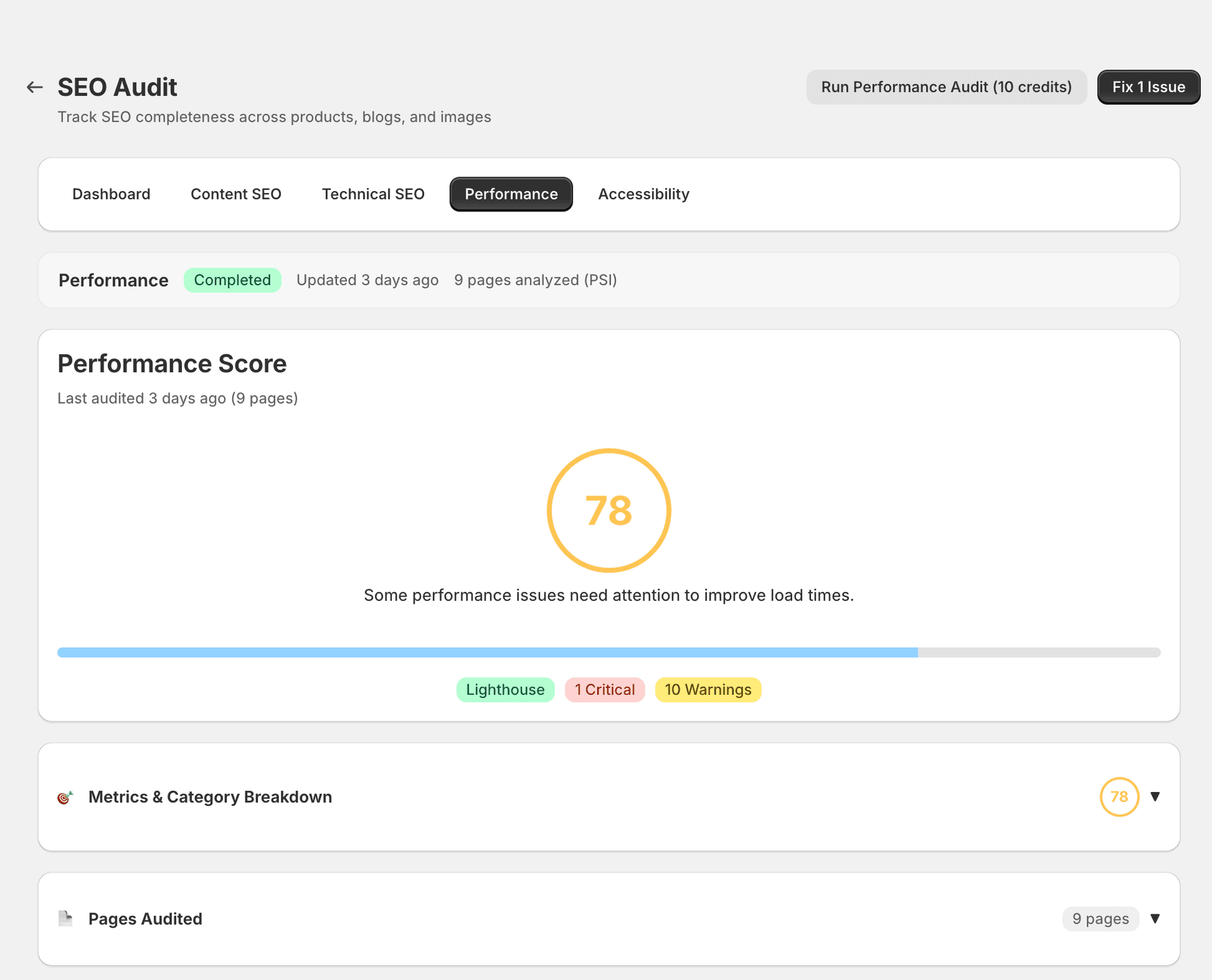
Performance Audit
The Performance tab measures your store's page speed and Core Web Vitals — factors that directly affect both rankings and customer experience.
What it checks
Core Web Vitals
- LCP (Largest Contentful Paint) — How quickly the main content loads. This is typically the hero image or largest text block above the fold.
- FID / INP (Interaction to Next Paint) — How responsive the page is to user input. A slow INP means customers experience lag when tapping buttons or filling in forms.
- CLS (Cumulative Layout Shift) — How much the page layout moves during loading. Layout shifts are disorienting and can cause customers to click the wrong element.
Other checks
- Total page weight — Oversized pages take longer to download, especially on mobile connections.
- Render-blocking resources — CSS and JavaScript files that delay rendering of visible content.
- Unoptimised images — Large file sizes and outdated formats (e.g. PNG instead of WebP) slow down page loads.
- Excessive third-party scripts — Each installed app and external service adds JavaScript that competes for bandwidth and processing time.
- Server response time (TTFB) — Time to First Byte measures how quickly Shopify's servers start sending data to the browser.
Severity levels
| Metric | Threshold | Severity |
|---|---|---|
| LCP | > 4s | Critical |
| LCP | 2.5–4s | Warning |
| INP | > 500ms | Critical |
| INP | 200–500ms | Warning |
| CLS | > 0.25 | Critical |
| CLS | 0.1–0.25 | Warning |
| Page weight | > 5 MB | Warning |
| Render-blocking resources | > 3 | Info |
What SitePx can fix
Image optimisation is where SitePx has the most impact. It can compress and convert images to modern formats (WebP), which is often the single biggest performance win for Shopify stores.
Other performance issues — render-blocking scripts, third-party code, and server response time — are typically theme or hosting-level concerns. SitePx identifies them clearly so you know what to address, but fixes require theme development work.
Note
Recommended actions
Start with images
Use the Image optimiser to compress all store images. This typically delivers the largest improvement with the least effort.
Review your installed apps
Each app adds JavaScript that can slow your site. Audit your installed apps and remove any you no longer use.
Check for render-blocking CSS
If you're using a custom theme, check for render-blocking CSS files that could be deferred or inlined.
Monitor trends
Run performance audits monthly to catch regressions early. A new app install or theme update can undo previous gains.
Consumes credits