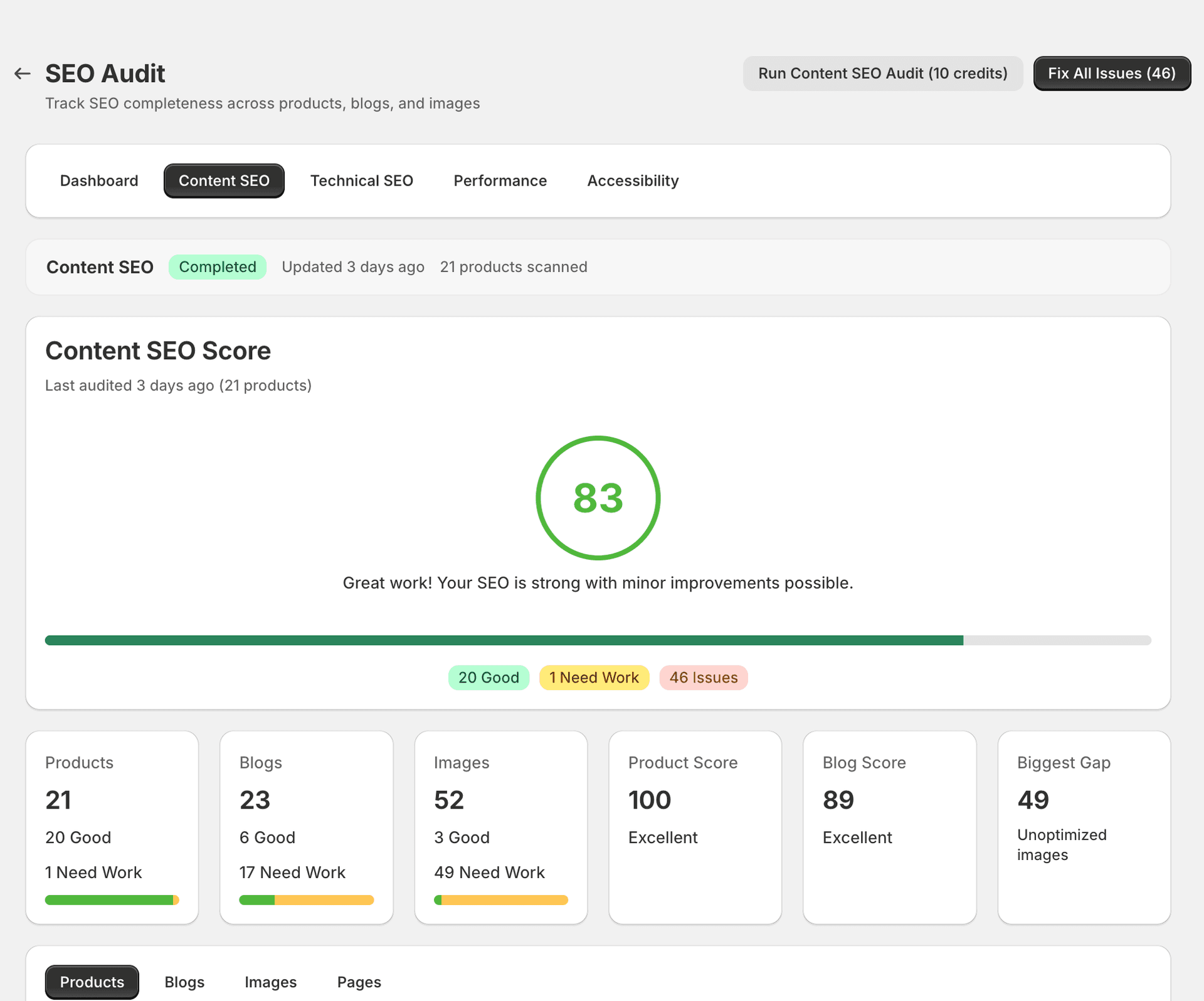
Content SEO Audit
The Content tab analyses your store's on-page SEO — meta tags, headings, body content, keyword usage, and image alt text.
What it checks
SitePx scans every indexable page in your store and flags the following content issues:
| Check | What it means | Severity |
|---|---|---|
| Missing meta title | The page has no title tag, so search engines have nothing to display in results. | Critical |
| Missing meta description | No meta description means Google will auto-generate a snippet, which is often less compelling. | Critical |
| Duplicate meta titles | Multiple pages share the same title tag, making it harder for search engines to distinguish them. | Critical |
| Thin content / low word count | Pages with very little text content may be seen as low-quality by search engines. | Warning |
| Missing H1 heading | Every page should have a single H1 heading that summarises its main topic. | Warning |
| Multiple H1 headings | More than one H1 on a page dilutes the primary topic signal for search engines. | Warning |
| Missing image alt text | Images without alt text are invisible to search engines and inaccessible to screen reader users. | Warning |
| Keyword stuffing | Overusing the same keyword can trigger search engine penalties rather than improve rankings. | Info |
| Missing internal links | Pages with no internal links pointing to them are harder for search engines to discover and rank. | Info |
| Duplicate content across pages | Substantial duplicate content confuses search engines about which page to rank and can lead to indexing issues. | Critical |
Severity levels
- Critical — Directly harms rankings or indexing. Fix these first.
- Warning — Reduces SEO effectiveness. Address these after resolving critical issues.
- Info — Improvement opportunities that can give you an edge over competitors.
Fix types
Each issue includes a fix type that tells you how it can be resolved:
- AUTO — SitePx can generate and apply the fix automatically. For example, generating a missing meta description using AI.
- GUIDED — SitePx provides the fix but you review it before applying. This gives you control over what gets published.
- MANUAL — Requires you to edit your theme or content directly. SitePx tells you exactly what to change and where.
Runs in background job
When you apply fixes, they're queued as background jobs. You can track progress in the Jobs section.
Common issues and recommended actions
- Missing meta descriptions — Use the Product optimiser or Blog optimiser to generate them in bulk. This is typically the fastest way to improve your content score.
- Thin content — Consider expanding product descriptions or blog posts. Aim for at least 300 words on key product pages and 800+ words on blog posts.
- Duplicate meta titles — Review your product naming convention. Each product should have a unique, descriptive title that distinguishes it from similar items.
- Missing alt text — Use the Image optimiser to generate descriptive alt text for all product images in bulk.
Image SEO issues
Images without alt text, oversized images, and non-descriptive file names all appear in the Content audit. These issues affect both your search rankings and page performance.
For bulk image optimisation — including alt text generation, compression, and format conversion — see the Image optimiser guide.
Consumes credits
Applying content fixes that involve AI generation (meta descriptions, alt text) consumes credits.