llms.txt
llms.txt is an emerging standard that tells AI language models how to interact with your website — similar to robots.txt but for AI crawlers.
What is llms.txt?
As AI-powered search (like Google AI Overviews, ChatGPT browsing, and Perplexity) becomes more common, having an llms.txt file helps these systems understand your site's content and policies. It's a simple text file at your domain root that provides guidance to AI systems.
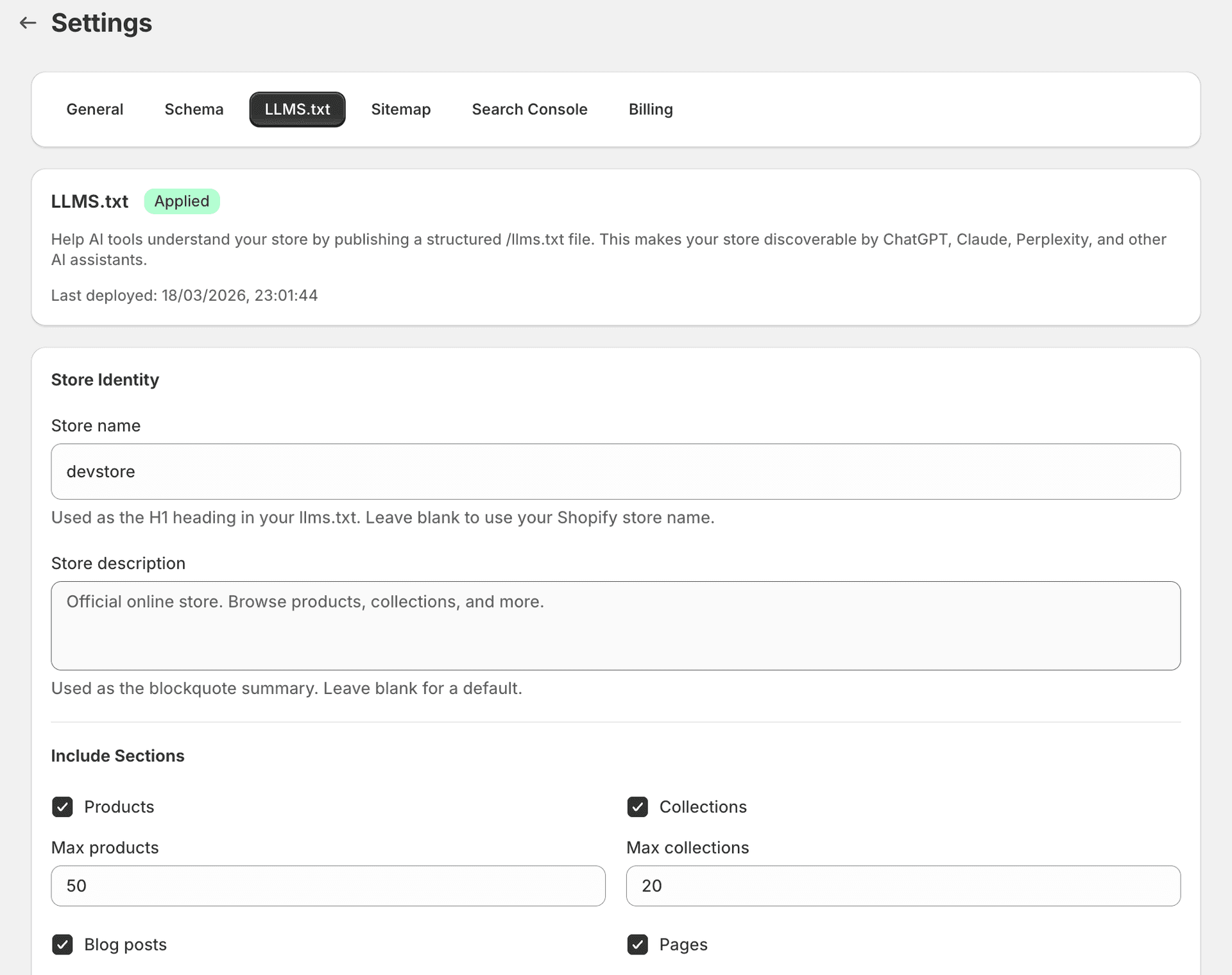
What SitePx generates
SitePx creates two files:
- llms.txt — The main instruction file.
- llms-full.txt — A comprehensive version with more detail.
These files include:
- Your store name and description
- Key product categories
- Content policies
- Preferred citation format
Enable flow
Open the llms.txt section
Go to the llms.txt section in SitePx.
Review the content
Review the auto-generated content to ensure it accurately describes your store.
Customise if needed
Add specific instructions for AI systems, such as content policies or preferred citation formats.
Enable
Click Enable to publish the files.
Files are created
SitePx creates the files and sets up redirects so they're accessible at yourstore.com/llms.txt.
Note
Validation
After enabling, SitePx validates that:
- The files are accessible at the correct URLs
- The content is well-formed
- Redirects are working properly
Common issues
“File not accessible” — Ensure your theme isn't blocking the URL. Check that no other app is creating a conflicting redirect.
“Redirect not working” — Shopify's redirect system has a 5-second cache. Wait and retry. If using a reverse proxy or CDN, ensure it passes through the redirect.